How to create faceless youtube video using AI tools in Pakistan
Eman mani · July 15, 2026
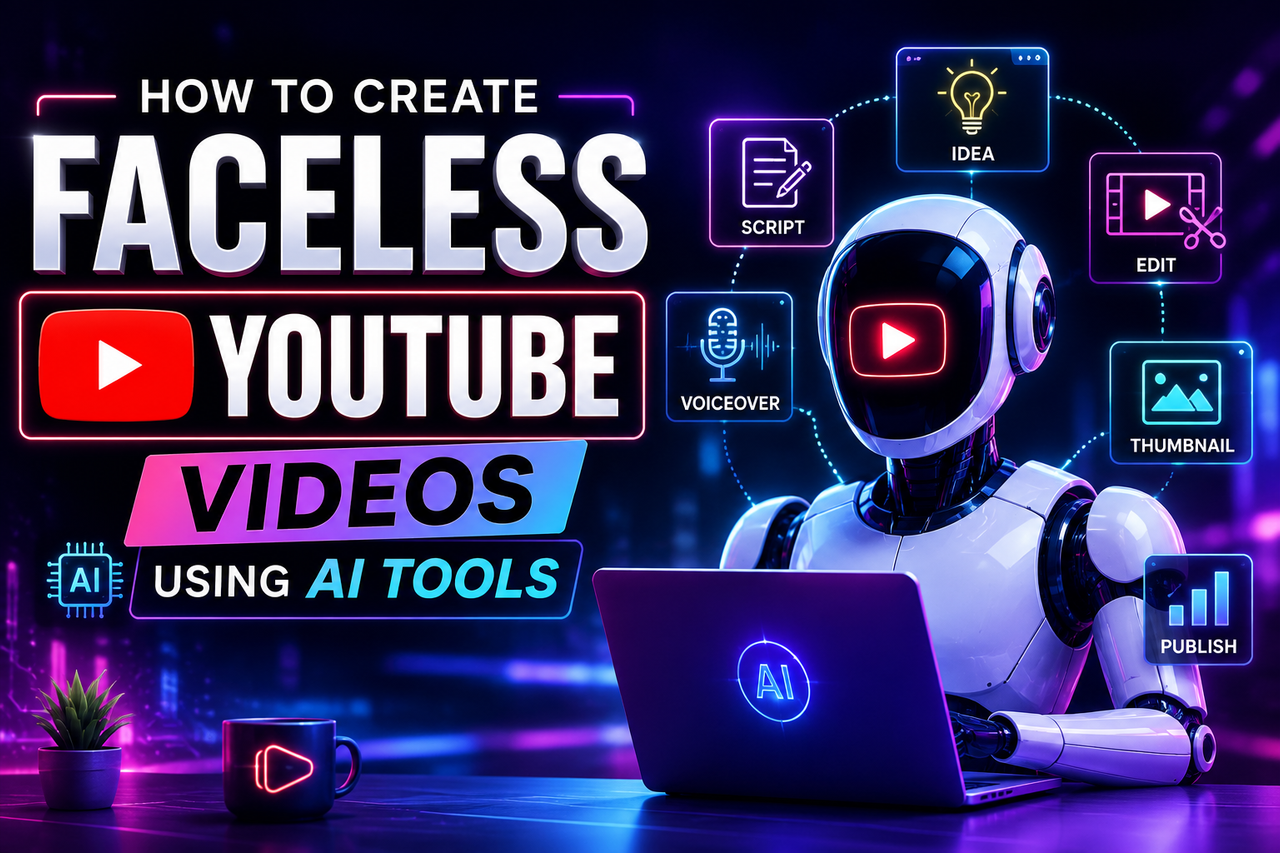
Complete guidelines to earn money by YouTube faceless video creation
How to Make Faceless YouTube Videos With AI in 2026 (Step-by-Step Guide) + Tools Faceless YouTube channels are booming in 2026. And, you can launch your own faceless channel with just a laptop, the Internet, and AI tools. Successful channels like Kurzgesagt, WatchMojo, and Bright Side have been making faceless videos for years: and now anyone can make a faceless video with ease using AI tools. This article will walk you through the entire process of making and publishing a faceless YouTube video in 2026. We’ll also discuss the exact script and AI tools that creators are currently using to make the videos. ## What Is a Faceless YouTube Channel? A faceless YouTube channel is a channel that makes videos without using the creator’s face or voice. Instead, faceless channels can use AI voiceovers, stock footage, text-based content (like Reddit stories), facts, explanations, and more. Faceless channels usually employ AI to generate their videos so that they can publish 3–5 videos per week. They’re an extremely popular type of YouTube channel because they allow creators to achieve good income without showing their face or speaking on camera. Let’s start the process of making a faceless video. ## Step 1: Pick a Profitable Faceless Niche Before doing anything else, you’ll need to pick a profitable niche for your faceless channel. The niches that make the most money on YouTube in 2026 are: • Finance • Tech • True crime • History • Health • Motivation • Reddit stories/AITA You want to choose a niche that has good demand (that people are searching for) or is advertiser-friendly (has a good CPM, or cost per thousand views). For example, finance, tech, and law niches usually have higher CPMs and are more desirable to brands. ## Step 2: Generate Your Script With AI You’ll need a good script that people will watch. Remember that no amount of pretty visuals can make up for a bland or boring script - a good script will hook viewers in the first few seconds, keep them engaged throughout the video, and not rely on any specific person on camera to deliver it. This is why a lot of faceless channels use Reddit stories, news reports, and similar formats: they’re engaging but don’t rely on any particular creator. You can make a script using an AI writing tool, or you can write it yourself. Some creators use a script planning tool to help them come up with topics and titles. When writing your script, remember that the text should be easy to read out loud and should follow standard writing conventions for spoken language: • Make your sentences short, so they can be easily read out by AI voices. • Hook the viewer in the first few seconds of your script. • Write in a conversational tone and avoid overly corporate or stiff language. • Divide the script into sections that will correspond to the video’s visuals. ## Step 3: Convert the Script to an AI Voiceover Once you have a good script, it’s time to convert it into audio with an AI voice. Voices are extremely important in faceless videos - they’re often the only “human” part of the entire production, so you want to put thought into choosing a good voice. Some popular AI voiceover tools for YouTube in 2026 are: ElevenLabs is probably the best AI voice tool for faceless channels, as its voices sound very natural and can be used for long-form videos (6+ minutes). Other options are PlayHT and Murf, which are more budget-friendly for smaller creators. Also, some voiceover tools are built into video editing platforms, so it’s worth looking into those as well. When choosing a voice, avoid being wowed by a “best” voice. Instead, listen to the voice in context of the entire script - voices vary in tone and speed, and you want to choose one that sounds natural when reading your script. ## Step 4: Create or Find Your Visuals AI video tools have improved tremendously in 2026, and most faceless channels use a mix of the following methods: 1. AI video generation (text to video): tools like Veo, Sora, and Runway’s Gen and Kling allow you to generate B-roll video from a text prompt. These are usually more expensive but give you unique visuals that aren’t on stock footage sites 2. Stock footage: some tools let you search and automatically insert stock footage based on your script 3. AI Avatars: if you want to use an animated presenter, you can use avatars to make your script into a talking-head video. This allows you to have a “person” on camera without showing your face or using a real voice actor Most often, creators use a mix of 1 and 2, or 1 and 3, to make their videos. This gives the video a polished, professional feel without being too expensive or time-consuming. Using text-to-video AI tools, stock footage, and/or avatars, you can put together a rough version of your video. ## Step 5: Edit Your Video, Add Captions, and More After you’ve generated your voiceover and visuals, you’ll need to put them together in an editor. Some tools are dedicated to this step and can help you sync your voiceover to the video and add captions automatically. Captions improve engagement and help viewers who aren’t comfortable watching videos with sound. You should also add music that doesn’t overpower your voiceover. A lot of platforms have an option to export your video in the correct aspect ratio for YouTube long-form or Shorts content. Popular tools for this step are CapCut, VEED, and Descript, as well as some all-in-one script-to-video tools that let you edit your video without switching between multiple platforms. ## Step 6: Make a Click-Worthy Thumbnail With AI If people don’t click on your video, it doesn’t matter how good it is. That’s why you should spend some time making your thumbnail engaging and representative of your video’s topic. You can use an AI design tool to make your thumbnail, and make sure to keep your channel’s branding consistent across thumbnails so that your channel looks professional and recognizable. ## Step 7: Publish, Analyze, Optimize After you’ve finished your video, it’s time to publish it to your YouTube channel. Once you’ve done a few videos, it’s a good idea to start analyzing your YouTube analytics. Here, you should pay attention to the following: • Retention: this shows you where your viewers are watching your video. If you see that everyone stops watching at a certain point, you may want to revisit your script and make changes there • Click-through rate (CTR): your CTR tells you how often people who see your video thumbnail click on it to watch the video. A low CTR usually means your thumbnail needs optimization • Views per video: your average view duration can affect how much YouTube promotes your video, so this is something to keep in mind as well Once you’ve created your first few videos, you should start to see patterns in your view data. This will help you understand what kind of content your audience likes and what kind you should post more of in the future. ## How Much Does It Cost to Make Faceless YouTube Videos With AI? It depends on the tools you use and how much you post, but here’s a rough breakdown of costs in 2026: • Free or budget: about \$5–20 per month, if you use a free or low-cost script writing tool plus a budget AI voiceover plan • Mid-range: about \$70–90 per month, to use a few different tools (voiceover, video generation, captioning) • High-end: it can get expensive if you use multiple tools at once Some tools offer more features for a higher price, and some offer a discount for using multiple services (voice, video, music) within the same platform. On average, the cost of making a faceless YouTube video has dropped a lot in 2026 - and compared to hiring a human voice actor and editor, it’s extremely affordable. ## Is Making Faceless YouTube Videos With AI Illegal or Against the Rules? No - making videos with AI is completely fine in 2026, as long as you’re not posting spammy, value-less videos (which is illegal anyway). Most channels that get banned for using AI are using it irresponsibly - putting out hundreds or thousands of low-effort, unedited AI videos without any optimization. However, most faceless channels are run by real people who optimize their videos and put effort into them - in this case, it’s totally fine to use AI tools. ## Other Tips for Making Faceless YouTube Videos in 2026 Here are some final tips to help you on your journey to creating a successful faceless YouTube channel: • Don’t jump on every new fad. Pick one or two tools that are easy for you to use, and stick to them as you grow your channel • Focus on writing a good script. You can have amazing visuals, but if the script is boring, people still won’t watch your video • Post regularly. Faceless channels thrive on regular uploads - aim for about 3–5 videos per month, or 1–2 per week • Study your analytics. Keep an eye on your retention and views, and pay attention to what kind of videos your audience likes Faceless YouTube channels continue to be a popular and effective way to grow your YouTube channel and monetize your content in 2026. With the right tools, a single creator can put out a high-quality faceless video in less than an hour, making it a very lucrative endeavor. To wrap up our guide, we’ve compiled a list of the most useful tools for making faceless videos.